
3D charts
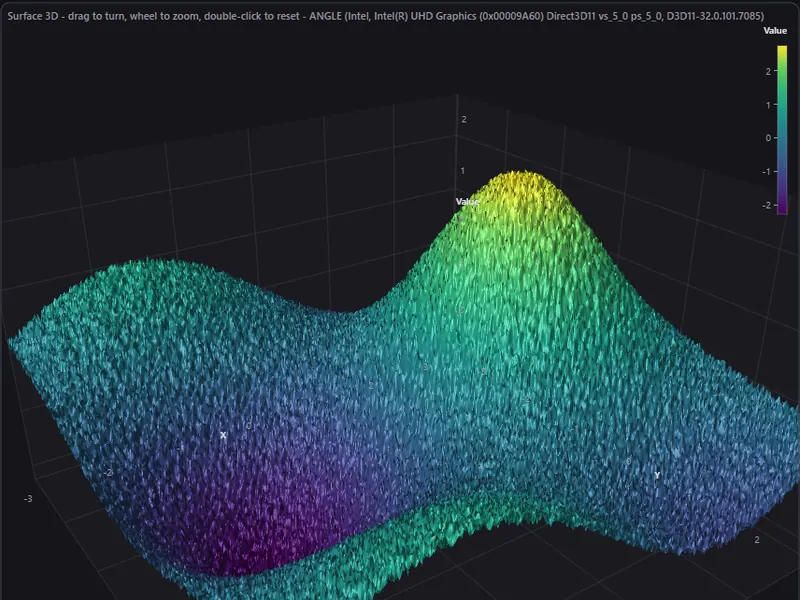
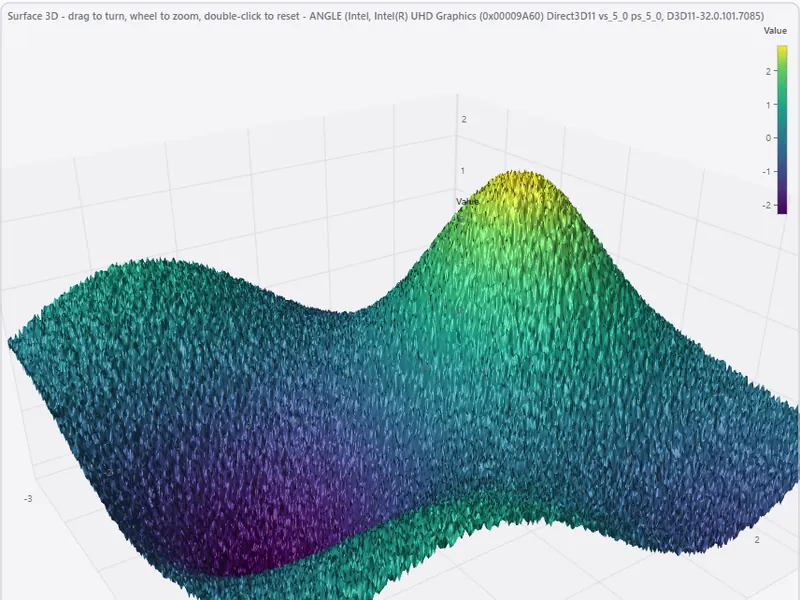
ArionUI.Charts3D · free during the preview, also commercially · marked preview within the previewSurfaces, spectrum waterfalls and point clouds, drawn on the GPU in an axis cube and orbited with the mouse. They are views like the table, so a 3D chart sits in the same control and can be coupled to a grid through ordinary events.
Install
dotnet add package ArionUI.Charts3D --prereleaseConstructing a 3D view switches the module on; it is licensed with the chart module. This package is marked preview even within the preview: expect its API to move more than the rest.
3D has no CPU path. Without a GPU context the view shows its FallbackText instead of a picture, and the text is empty unless you set it. See Hosting and rendering for how to find out which path a machine takes.
Surface
// 256 x 256 samples, row-major: heights[row * 256 + column]
var surface = new Surface3DView(new Surface3DModel(256, 256, heights,
                                                   xMin: 0, xMax: 10, yMin: 0, yMax: 10));
surface.Scene.XTitle = "x";
surface.Scene.ZTitle = "value";
surface.Scene.FallbackText = "This view needs a GPU.";   // 3D has no CPU path
surface.Picked += pick =>
{
    if (pick.IsHit) Log($"sample {pick.Column}, {pick.Row} at {pick.Position}");
};

grid.MainView = surface;
surface.UpdateHeights(heights);   // new values, same size: no new model
A Surface3DModel is a height field: columns × rows samples, row-major, over a rectangular domain. Its size and ranges are fixed; a new picture of a different size is a new model passed to Update(model), and new values of the same size go through UpdateHeights without allocating. MarkCell((column, row)) marks one sample.
Waterfall
var spectrum = new WaterfallView(new WaterfallModel(bands: 512, rows: 300,
                                                    valueMin: -90, valueMax: 0));
spectrum.Append(line);            // one new line of 512 values; the oldest scrolls out
A WaterfallModel holds a fixed number of lines of bands values each, for a spectrum over time; every Append adds the newest line and lets the oldest scroll out.
Point cloud
var cloud = new PointCloudView(new PointCloudModel(xyz));   // x, y, z, x, y, z, ...
cloud.Highlight(17, 18, 19);
Positions come as a flat float[] of x, y, z triples, optionally with a class per point for colouring. PointCloudFile.Read and Write load and save a cloud, with progress and cancellation. Highlight takes indices or PointRanges; MarkPoint marks one.
Camera, picking, texts
Drag to orbit, wheel to zoom. Camera exposes the orbit; MoveCamera(pose) moves it from code, and TurntableDegreesPerSecond with Animating turns the scene on its own. A click raises Picked with what was hit — also for a click on nothing, so you can decide whether that clears a selection. That event is the coupling to a grid: select and show the matching row through grid.Api.
The views take an MSAA sample count in their constructor (4 for surface and waterfall by default, 0 for the point cloud). The environment variable ARION_GPU_SAMPLES caps it for every 3D view at once; 0 turns multisampling off. The camera menu is German by default: Scene3DUiText.English().